📄 Master PDFs Without a GUI#
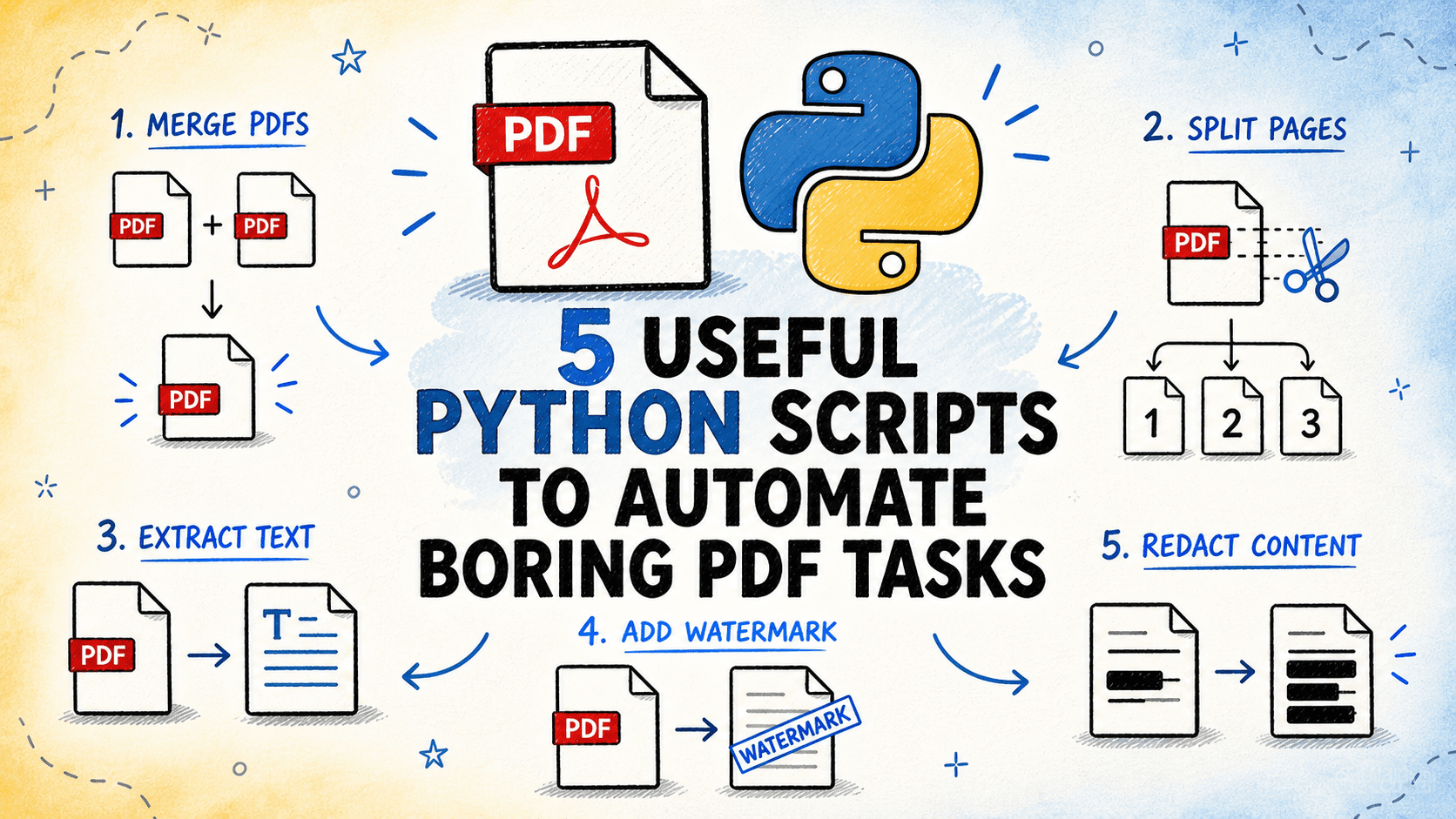
Tired of manipulating PDFs manually? These 5 Python scripts automate the most tedious tasks.
🛠️ The 5 Scripts#
1️⃣ Merge and split: combine multiple PDFs or split one large PDF by page range, fixed size, or custom list.
2️⃣ Extract text and tables: get clean content in TXT, Markdown, CSV, or Excel — automatically detects and preserves tables.
3️⃣ Watermarks and numbering: add watermarks, headers, footers, and page numbers to entire batches.
4️⃣ Redact sensitive content: permanently remove text matching patterns (names, numbers, addresses) using regex.
5️⃣ Metadata inventory: extract information about each PDF (page count, size, author, date, if scanned) to CSV/Excel.
💡 Explanation in a nutshell#
All use standard Python libraries: pypdf, pdfplumber, reportlab, pymupdf. They run from the command line, support batch processing, and are easy to customize. Scripts are available on GitHub, ready to use or adapt for your needs.
More information at the link 👇