🐻❄️ Did your data pipeline break because of a schema change? Polars has you covered.
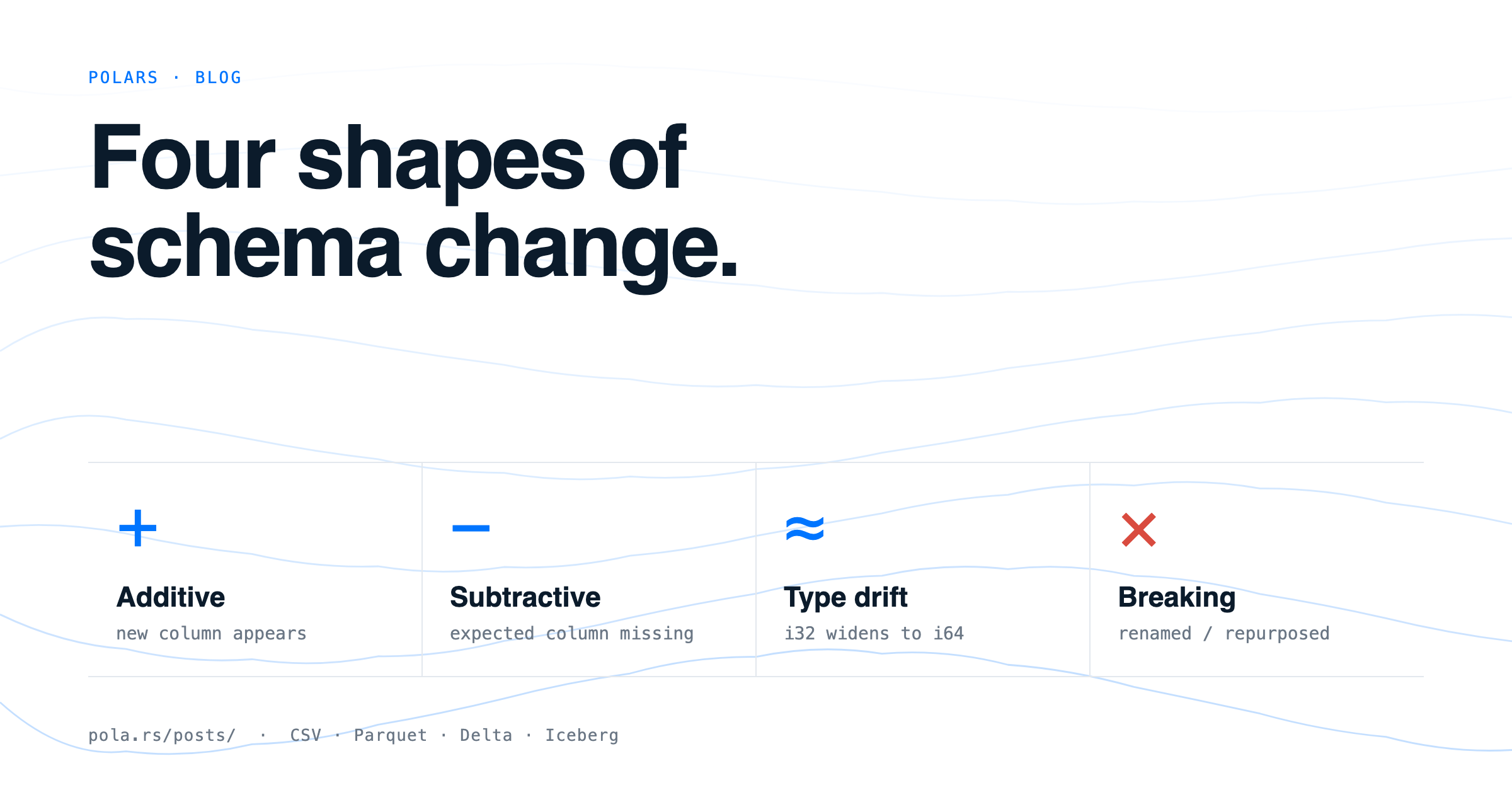
Schema changes come in 4 shapes:
📥 Additive — a new column appears
📤 Subtractive — an expected column disappears
🔄 Type drift — a column’s data type changes (e.g. Int32 → Int64)
💥 Breaking — a column is renamed or cast to an incompatible type (requires manual handling)
📊 By format, Polars offers:
CSV:
schema_overridesfor known problem columnsinfer_schema=Falseto read everything as textignore_errors=Trueto silence errors (use with caution)
Multi-file Parquet:
missing_columns="insert"→ null-fills missing columnsScanCastOptions(integer_cast="upcast")→ widens integer types losslesslypl.concat(..., how="diagonal_relaxed")→ handles everything at once
Delta Lake:
schema_mode="merge"→ handles additive and subtractive evolution in one parameter
Apache Iceberg:
update_schema()+pl.scan_iceberg→ schema evolution as a first-class citizen
💡 Explanation in a nutshell#
Imagine you have a data table and suddenly someone adds or removes a column. This is called a schema change. Polars is a Python library for working with data, and this article explains how to detect and handle those changes automatically, depending on the file format you use (CSV, Parquet, Delta Lake, or Iceberg), so your pipeline doesn’t break.
More information at the link 👇