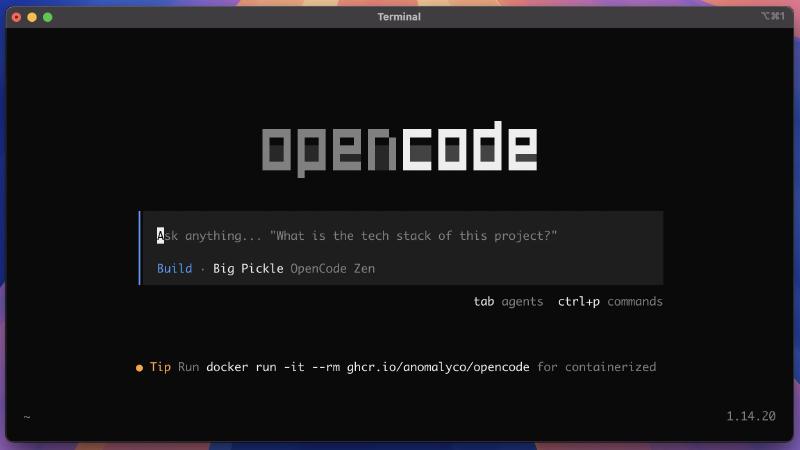
💻 OpenCode: Conversational AI for Code From Your Terminal#
Prefer working in the terminal? OpenCode is an open-source AI coding agent that runs in your terminal and understands your entire project. 🤖
🚀 What Is OpenCode?#
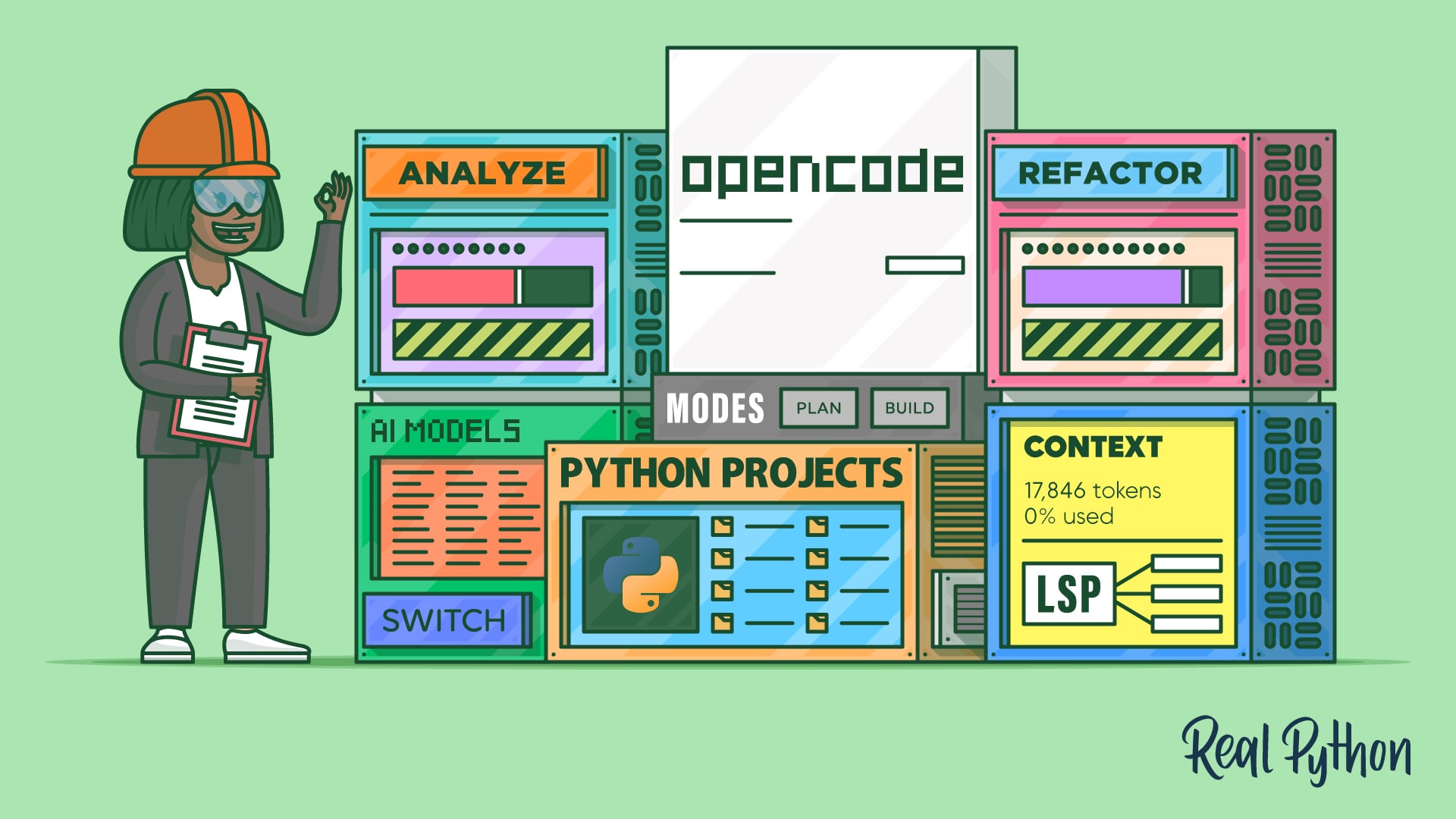
A conversational assistant that:
- Analyzes your project with full context awareness
- Refactors code through conversational commands
- Answers questions about your codebase
- Supports 75+ AI providers (Anthropic, OpenAI, Google Gemini, GitHub Copilot…)
🛠️ Quick Installation#
# Official script installation
curl -fsSL https://opencode.ai/install | sh

# Or with Homebrew (macOS/Linux)
brew install opencode
💡 How It Works#
> "What is the tech stack of this project?"
> "Refactor the calculate_metrics() function to make it more readable"
> "Explain why this test is failing"
OpenCode sends your query to the AI model with full project context. Press Enter to get a response.
🎮 Two Modes#
- Plan Mode — analyzes and plans without changes
- Build Mode — implements changes directly
💡 Explanation in a nutshell#
OpenCode is a terminal alternative to tools like Cursor or GitHub Copilot, designed for developers who prefer a command-line workflow. It’s open-source, supports 75+ AI providers (including the free Google Gemini API), and is configured with an AGENTS.md file that gives the agent project-specific context. Ideal for deliberately and conversationally analyzing and refactoring Python codebases.
More information at the link 👇
Also published on LinkedIn.