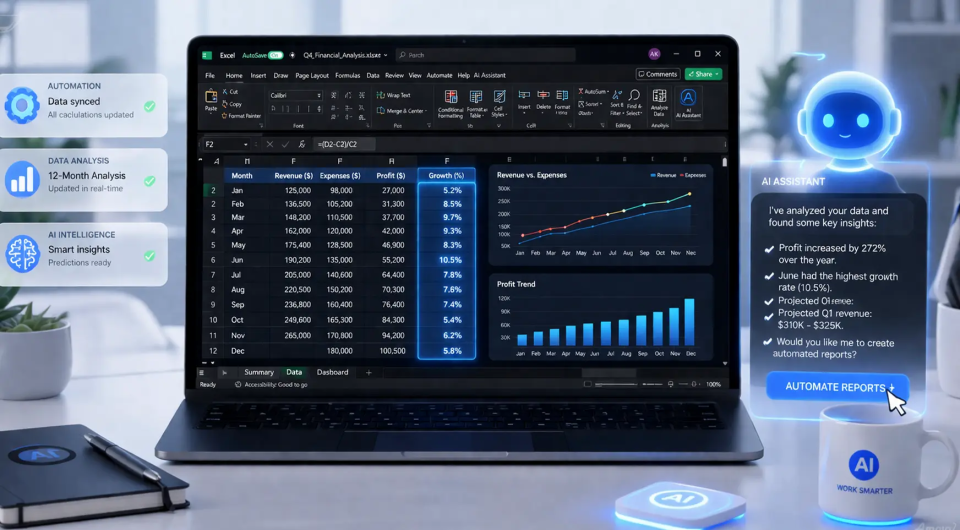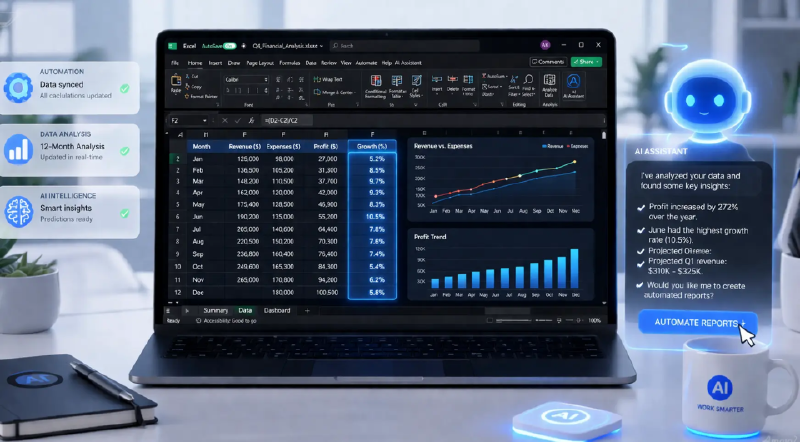
📊 Excel Agent Mode: when AI doesn’t just suggest, it acts
If regular Copilot in Excel feels like a smart assistant, Agent Mode is like handing the sheet to someone who actually knows what they’re doing.
🤖 What can it do?
- 📈 Full data analysis: reviews, identifies patterns and presents results visually
- 💰 Financial reporting: creates structured tables with comparisons and professional formatting
- 🧮 Functional calculators: builds loan calculators with amortization schedules
- 📅 Budget trackers: categories, over/under-budget indicators and charts
- 🏗️ Workbook building: creates new sheets, inserts formulas and organizes the file
🔑 The key difference: The agent doesn’t say “you should do X” — it does it itself. It takes your goal in plain English, breaks it into steps and works directly inside the workbook.
📍 Available on Excel Web, Windows and Mac (requires Microsoft 365 Copilot subscription).
💡 Explanation in a nutshell#
Excel Agent Mode is an AI feature built into Excel that can receive a complex task in plain language (like “analyze this sales data and make it visual”) and complete it step by step autonomously, without you needing to know which formulas to use or how to structure the output.
More information at the link 👇