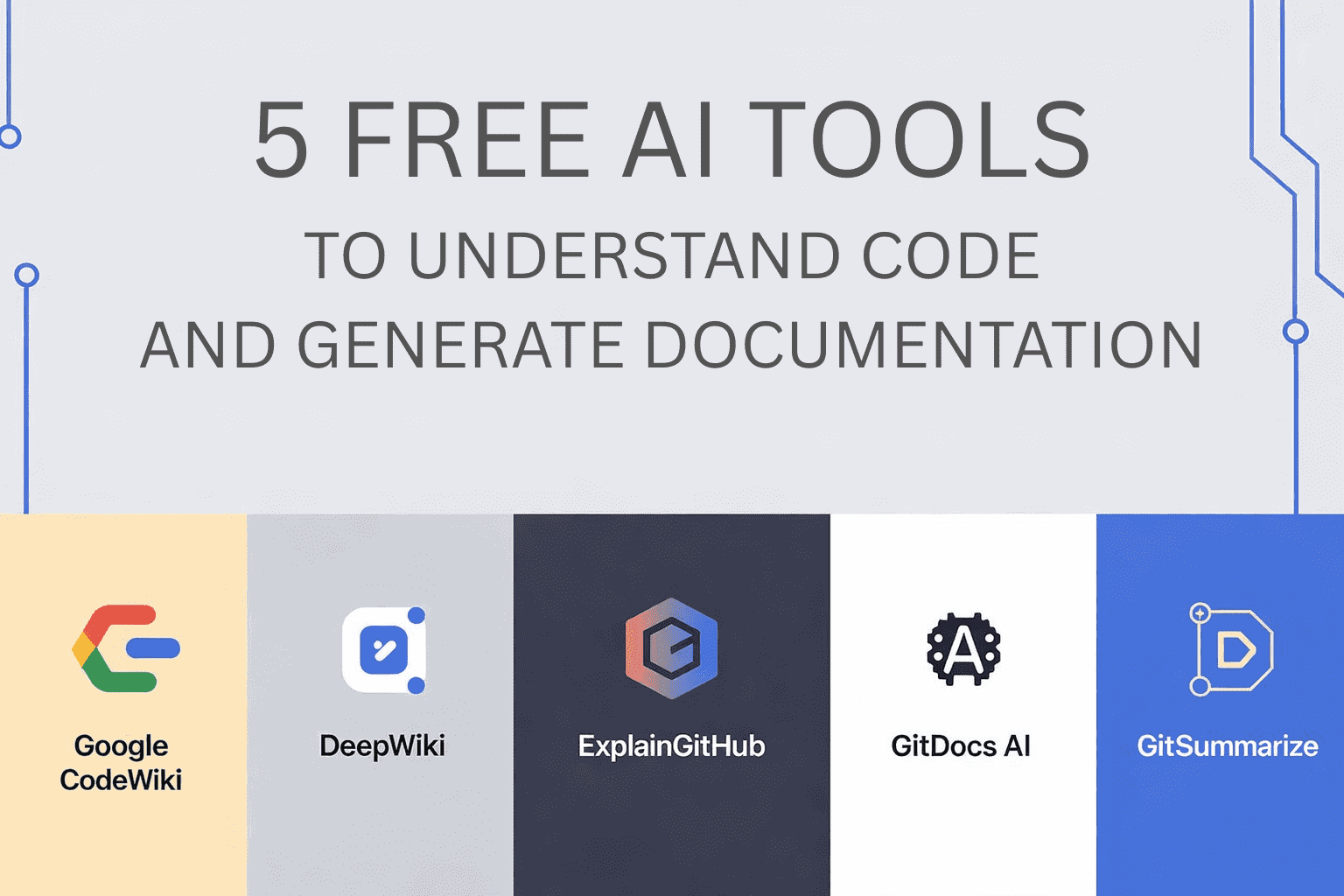
📚 Understanding a new codebase is hard. These 5 free AI tools make it much easier.
You open file after file, comments don’t make sense, and you can’t figure out how parts connect. These tools change that:
1. Google Code Wiki — scans the repo on every commit and creates structured documentation with diagrams. Chat with Gemini AI to ask about the code in natural language. Free for public repos.
2. DeepWiki — generates interactive docs for any GitHub repo. Enter the URL and it creates documentation with architecture and module diagrams. Conversational chat included.
3. ExplainGitHub — fast repo exploration: summaries, visual maps and AI chat about functions and structure. No sign-up, no subscription, free for public repos.
4. GitDocs AI — automatically generates READMEs and other documentation. Connects directly to GitHub with preview and editing. Free version available.
5. GitSummarize — turns a repo into a full documentation hub with summaries and architecture visualizations. Open-source and free to try.
Summary by use case:
- Understanding entire codebases → CodeWiki or DeepWiki
- Instant explanation → ExplainGitHub
- Generate README → GitDocs AI
- Documentation hub → GitSummarize
💡 Explanation in a nutshell#
These tools solve the “onboarding into an unknown repo” problem with AI. You no longer need to wait for someone to explain the architecture — you can ask the tool directly and get answers with diagrams and context.
More information at the link 👇